


Key Takeaways
- Treat retrieval, reasoning, and verification as distinct stages.
- Optimize for useful, supported answers rather than raw response speed.
- Send focused passages to models instead of full pages whenever possible.
- Use checkpoints for multi-step research and preserve evidence throughout the task.
- Assume external content may be inaccurate, outdated, or malicious.
- Measure latency, quality, cost, source precision, and failures together.
AI search is no longer just about returning a ranked list of pages. Modern systems must retrieve useful evidence, assess whether it is current and credible, and provide that evidence in a form an agent or person can act on safely. Teams evaluating providers can use a benchmark comparison of Parallel and other search APIs as one input, but search speed alone should never decide the architecture.
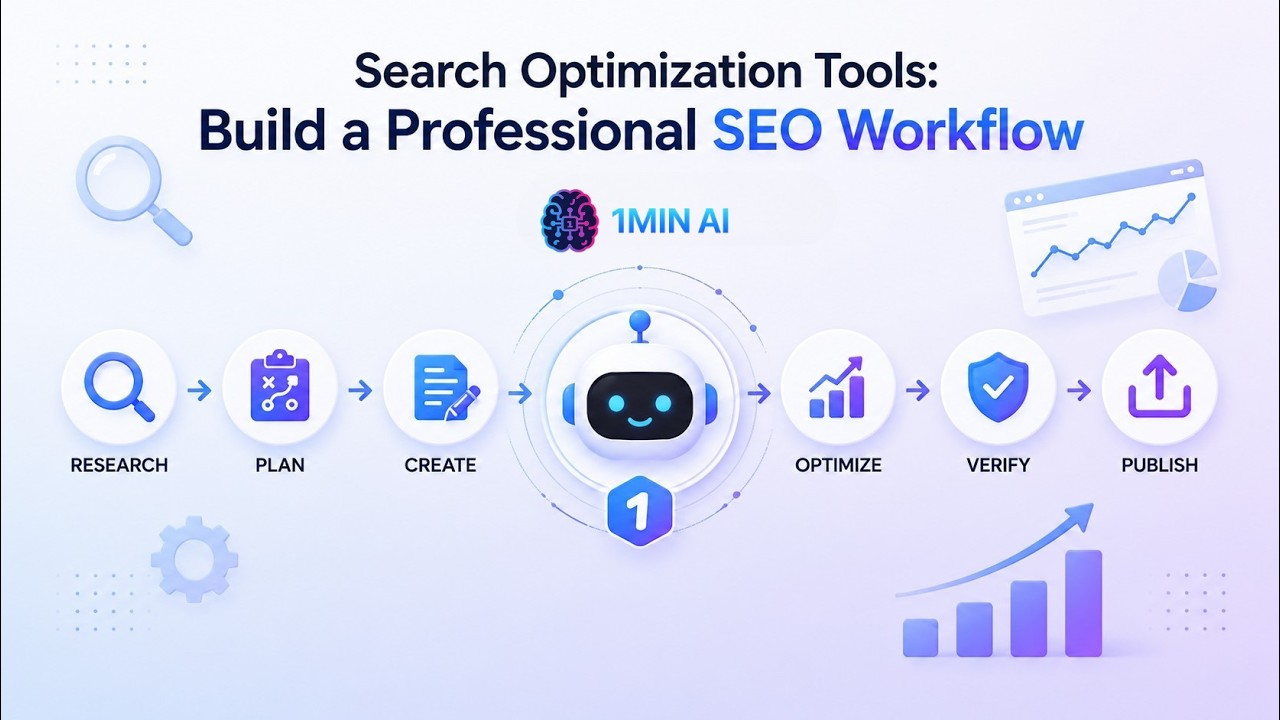
A dependable workflow separates retrieval, reasoning, verification, and action. That separation makes failures easier to diagnose, reduces unnecessary model context, and gives teams clear places to apply security controls, freshness checks, and human approval.
Why AI Search Workflows Need A New Design
Traditional search was designed for people who could open multiple results, assess credibility, and manually compare conflicting claims. AI agents work differently. They need a structured context that can be processed predictably, passed to other tools, and traced back to its origin. This matters for research, customer support, coding, market analysis, internal knowledge systems, and monitoring tasks.
The strongest workflows do not ask one model to do everything at once. They give each stage a narrow responsibility: find likely sources, extract relevant passages, verify important facts, and only then draft an answer or propose an action.
Start With The Job, Not The Search Tool
The retrieval method should match the decision the system needs to support. A useful planning guide includes the following task types:
- Simple lookup: Run a fast, focused query for one clear fact.
- Source comparison: Retrieve multiple sources, then compare dates, authors, and claims.
- Multi-step research: Break a broad question into smaller searches with explicit checkpoints.
- Structured extraction: Return fields such as names, dates, prices, locations, and policy terms.
- Ongoing monitoring: Recheck important pages and alert users when material details change.
Build A Strong Retrieval Layer
Start by defining freshness. A question about a historical event may accept older material, while a question about prices, regulations, schedules, product specifications, or public policy may require live information. Use natural-language queries for broad discovery, then apply filters for date, domain, language, geography, or file type when precision matters.
Remove duplicate or near-duplicate results before they reach the model. Prefer original materials for official rules, technical documentation, financial statements, and public announcements. For each result, return only the title, URL, publication date, source type, relevant passage, and a relevance score. This keeps context lean while preserving the information needed for review.
Balance Speed, Accuracy, And Cost
A quick answer is not truly efficient if it relies on weak evidence, triggers retries, or requires costly human cleanup. Measure the whole path from request to completed task, including the retrieval calls, extraction process, model reasoning, validation, and recovery steps.
Metrics To Track
- Latency: Time until the system returns a useful result.
- Answer accuracy: Whether conclusions match trusted evidence.
- Source precision: The share of retrieved results that are genuinely relevant.
- Token use: How much retrieved text is sent to the model.
- Failure rate: Timeouts, empty results, broken pages, and retry events.
- Cost per completed task: Total spend, not just the initial search call.
Use Multi-Step Research With Clear Checkpoints
For complex questions, give the agent a research loop rather than unlimited freedom to browse. First, rewrite the request as a concrete research goal. Next, list the facts required to answer it, run a broad search for likely sources, and perform focused follow-up searches for missing details. Compare conflicts, record the source and date behind every important claim, and stop when the evidence reaches a predefined quality threshold.
For example, an agent researching a new software rule should first locate the official policy, identify its effective date, extract the relevant requirements, compare reputable explanations, and flag unresolved differences for a person. This approach avoids treating a persuasive summary as equal to the original requirement.
Make Results Easy For Agents To Use
Consistent output formats make later stages more reliable. Keep facts separate from summaries, assumptions, and confidence estimates. Preserve citations from the first retrieval step through the final response, especially when results feed a dashboard, database, ticketing tool, or business workflow. Complex retrieval can happen behind the scenes, but user-facing answers should remain direct and understandable.
Protect Agents From Unsafe Web Content
Ranking does not make a page trustworthy. Web pages, documents, emails, and code comments can include instructions intended to override an agent, expose private data, or trigger unsafe tool calls. The risk of indirect prompt injection in retrieved web content means every production workflow should treat external text as untrusted data, not as commands.
Basic Safety Controls
- Keep system instructions separate from retrieved material.
- Require user approval for sensitive or irreversible actions.
- Limit access to files, accounts, APIs, and internal systems.
- Scan links and downloaded files before processing them.
- Log queries, sources, tool calls, decisions, and failures.
- Use allowlists and read-only permissions for high-risk workflows.
Design For Fresh Information And Human Review
Show the date for every important source and set a freshness window that fits the task, such as the last day, month, or year. Do not present an old page as current without checking for updates. High-impact decisions involving money, health, safety, employment, or legal rights require human review when evidence is weak, sources conflict, or the system proposes an external action.
A mature governance process should also test reliability and security before launch. The risk management guidance for generative AI systems supports a practical approach: identify risks, document controls, evaluate real-world failures, and revise the workflow rather than relying on a single prompt change.
A Simple Testing Plan
- Create test questions that are easy, complex, current, misleading, and multi-source.
- Measure retrieval quality before judging final writing quality.
- Test slow pages, broken links, duplicates, and conflicting claims.
- Include suspicious instructions inside the retrieved content during security testing.
- Compare results at different times and under different search conditions.
- Review failures by category and improve the workflow, permissions, and evaluation set.
Frequently Asked Questions
What Is An AI Search Workflow?
It is a connected process for finding, filtering, verifying, and using information from live or stored sources.
Is Faster Search Always Better?
No. A fast result is valuable only when it is relevant, current, and supported by dependable evidence.
How Can Teams Reduce AI Search Errors?
Use focused retrieval, source ranking, freshness checks, structured outputs, preserved citations, security controls, and human approval for high-risk decisions.
Conclusion
Reliable AI search is not about finding the largest index or producing the longest answer. It is about creating a careful path from question to evidence to action. Teams that define the job, control context, verify important claims, defend against unsafe content, and measure the full workflow can build systems that are faster, safer, and easier to trust.