


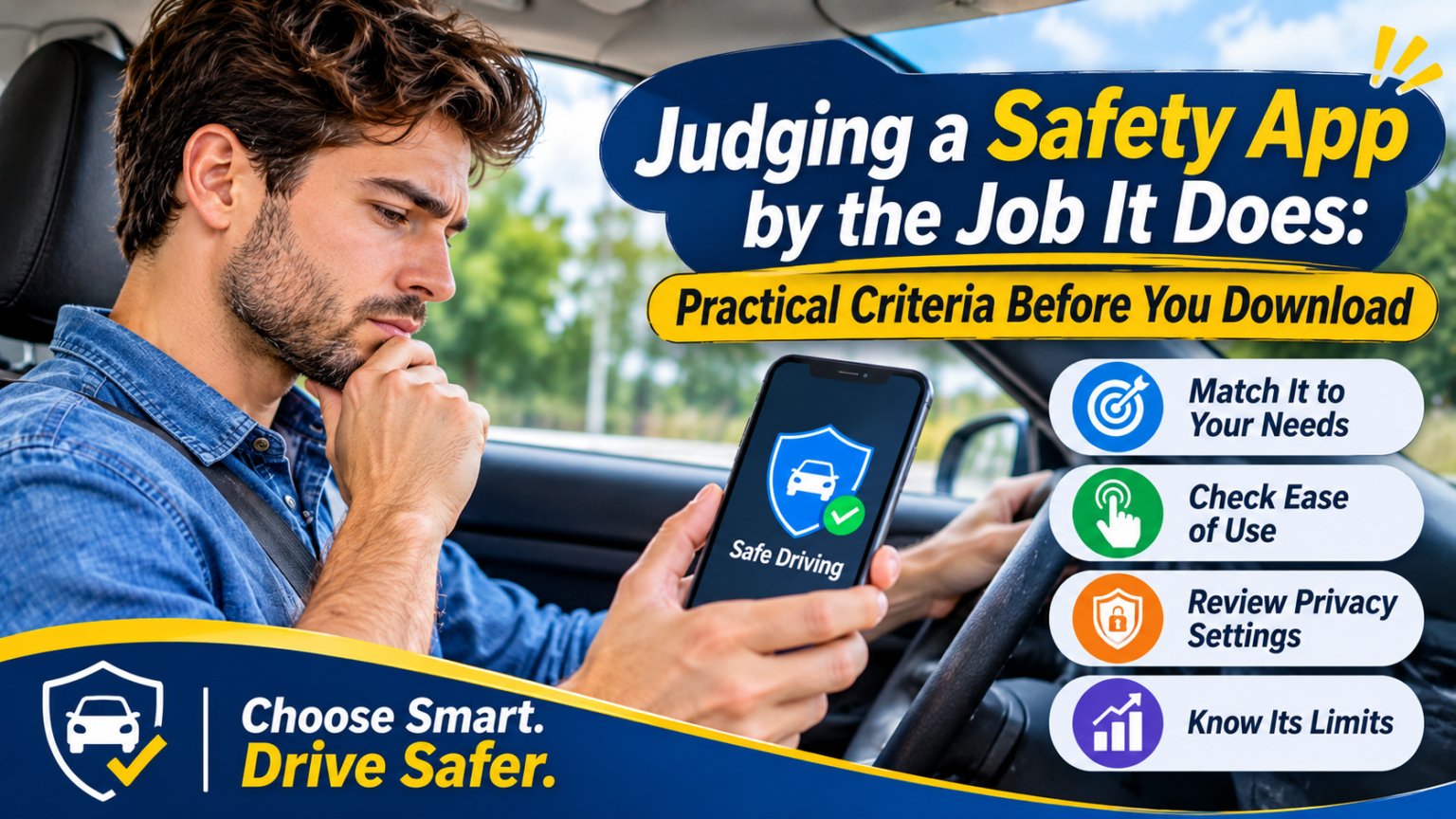
Picture the morning commute: phone in a mount, navigation running, a message preview lights up, and the driver’s eyes flick down for a second. Nothing happens this time. Plenty of people respond to moments like this by downloading a safe driving app, and the app stores make it easy, with dozens of options and long feature lists. But a long list says little about whether a tool will help at the moment that matters. A better question is narrower: what specific problem does this app solve, and does it solve it without creating a new one?
Start With the Problem, Not the Feature List
Before comparing options, spend a week noticing when you reach for your phone behind the wheel. Is it to change directions, skip a song, check who is calling, or read a notification? The answers differ from person to person, and the right tool depends on them.
A good safe driving app should map to a specific habit you actually have. If your main problem is fiddling with navigation, an app that quiets messages won’t help. If incoming notifications are the temptation, a better navigation interface won’t either. Features that sound impressive but don’t match your habits are clutter.
It also helps to know which kind of distraction is at stake. Federal research distinguishes among them. A NHTSA naturalistic driving study found that the visual-manual tasks associated with hand-held phones and other portable devices increased crash risk by three times. Taking your eyes off the road and your hands off the wheel to operate a phone is the clearest danger, so any app should be judged first by how much of that it asks of you.
Count the Glances and Taps
You can evaluate an app’s design with a simple test while parked. Try the tasks you’d do on the road, such as starting a route, changing the destination, or responding to a prompt, and count how many glances and touches each takes.
NHTSA gives a useful yardstick, although it was written for built-in vehicle systems and is voluntary. Its guidelines recommend limiting the time a driver must take their eyes off the road to perform any task to two seconds at a time and 12 seconds total. A phone app is not covered by those guidelines, but the benchmark gives you a reasonable standard. If a task can’t be done within roughly that window, it should be set up before you start driving or not done at all.
Don’t assume voice is the safe option
Voice control sounds like the fix, but the research is more cautious. In studies by the University of Utah for the AAA Foundation for Traffic Safety, drivers using voice commands on their phones and in-vehicle systems showed moderate to potentially high cognitive distraction, with residual effects lasting as long as 27 seconds after the interaction. AAA’s summary was blunt: “hands-free is not distraction-free.” That research dates from 2015 and tested the assistants and vehicles of the time, so newer systems may perform differently. The takeaway is still worth keeping: an app that demands conversation or attention while moving has a cost, even if your eyes stay up.
Useful Alerts vs. Noise
Alerts are where a safe driving app can help or hurt. A useful alert tells you something you can act on without taking your eyes off the road. A noisy one adds another thing to process.
When testing, ask:
- Does the alert require me to look at the screen? If so, it may add the distraction it is trying to reduce.
- Is it timely and specific? An alert that arrives seconds late, or that fires constantly, trains you to ignore it.
- Can I adjust it? Settings for what triggers an alert, and when, let you cut out the notifications that don’t matter to you.
- What happens if I ignore it? Some apps stop reminding you, while others escalate. Neither is automatically better, but you should know which you’re getting.
These questions are practical judgments, not research findings. They follow from the evidence above, which suggests that anything pulling your attention away from the road deserves scrutiny.
Compatibility and Ease of Use
An app that works perfectly on one phone and poorly on another is a poor choice. Check basics before committing:
- Your phone and software version. Confirm the app supports your device and operating system version.
- Your car. If you use Bluetooth, a cable, or a phone-projection system in the dash, test that the app behaves well with it.
- Starting it. An app you must remember to open on every trip will eventually be skipped. See whether it can start on its own or fit into a routine you already have.
- Battery and data use. Run it for a few days and see whether it noticeably drains the battery.
- First-use simplicity. If setup takes more than a few minutes or the settings are hard to follow, you may not finish configuring it.
Try an app in a parked car, then on a short, familiar drive. Any friction you notice in those first trips will probably recur.
Understand the Privacy Trade-Off
Many driving apps ask for access to location, motion data, contacts, notifications, or the microphone. Some of that access may be necessary for the app to do its job. Some may not.
Before installing any safe driving app, review what it requests and ask:
- Is each permission tied to a function I want? An app that offers call handling needs some access to calls, but a request for unrelated data deserves a second look.
- What does the privacy policy say about retention and sharing? Look for how long trip or location data is kept, and whether it is shared with outside companies such as advertisers or insurers.
- Can I delete my data and revoke permissions? You should be able to remove your history and change permissions later.
- Do I have a choice of settings? Most smartphone operating systems include a permissions menu where you can review and limit what each app can access. Check what’s available on your phone.
If the policy is vague or the permissions seem disproportionate, consider another option. A safety tool you don’t trust is unlikely to make you feel safer.
Know What an App Cannot Do
Even a well-designed tool has limits, and understanding them is part of using it safely.
It can’t see the road for you. An app doesn’t know about the cyclist at the next corner, a stalled car in the lane, or a driver who is about to merge into you.
It can’t control other distractions. Eating, grooming, an intense conversation, or a stressful thought can pull attention away just as effectively as a phone. The AAA research is a reminder that mental distraction counts as well.
It can’t prevent every phone use. Passengers’ phones, other devices in the car, and the driver’s own decision to override a setting all fall outside what most apps can manage.
It can fail. Software crashes, permissions get reset after an update, and signals drop. Don’t rely on a single layer of protection.
It can create false confidence. Perhaps the biggest risk is assuming the app has things covered and letting your own habits slip.
That is why habits remain the foundation of driving safety. Setting your route before you start, putting the phone out of reach, and deciding in advance what you will ignore are choices no app can make for you. The software is best treated as a backstop that supports those choices.
A Short Evaluation Routine
If you’re comparing a few options, try this sequence:
- Write down the specific phone habit you want to change.
- Narrow the list to apps that address that habit directly.
- Test each in a parked car and count the glances and touches required.
- Review permissions and the privacy policy, and decline anything unnecessary.
- Use one for a week on familiar routes and note what helped, what annoyed you, and what you ignored.
- Keep the one you’ll actually use, and delete the rest.
Conclusion
The best safe driving app is the one that fits a real habit, asks for little attention, sends alerts you can act on, respects your data, and works reliably on your phone and in your car. Even then, it is a support, not a substitute, for the choices drivers make before and during every trip. Readers who want further background on distracted driving and related technology can find more from My Drive Guardian, but the most reliable safety feature remains a driver who decides in advance that the phone can wait.